
How to Protect Your Data Before Laptop Hardware Failure
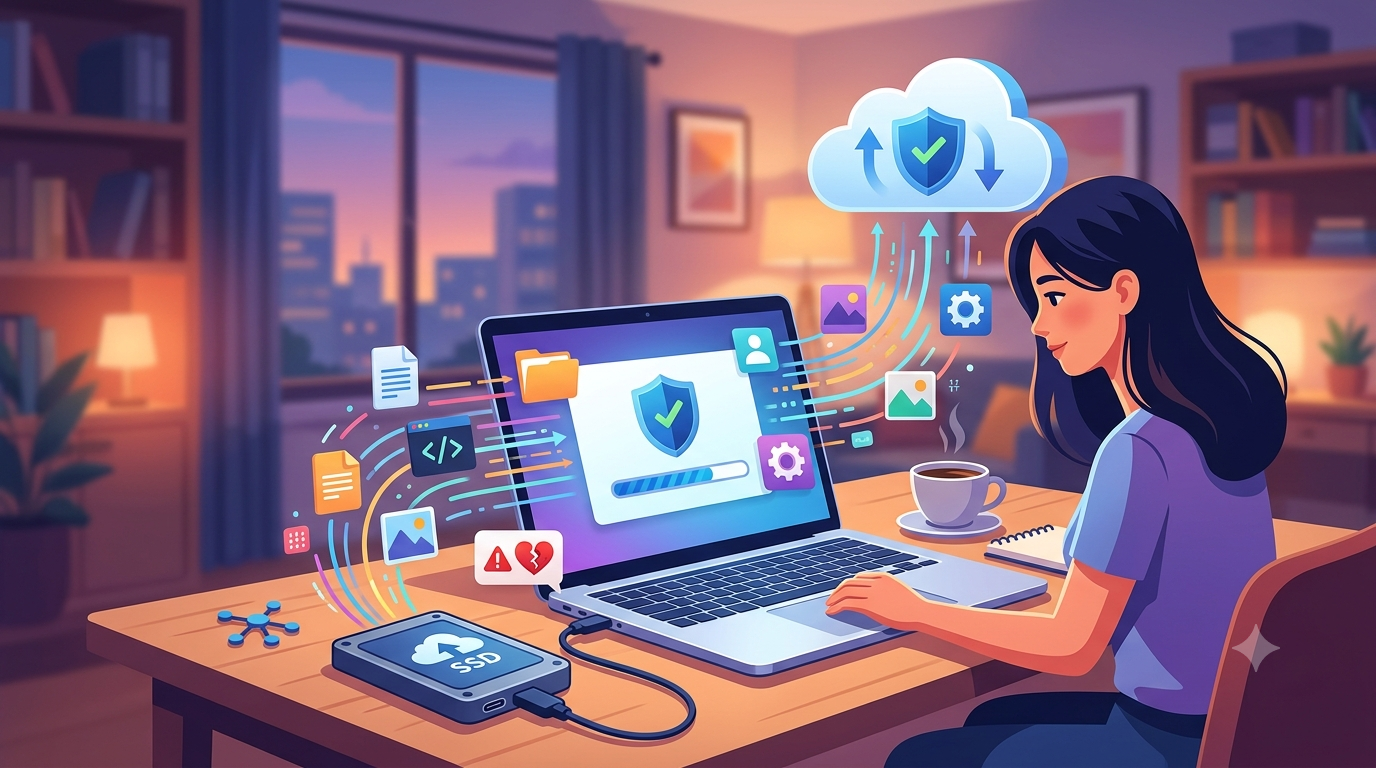
Your laptop stores valuable information, from personal photos and important documents to business files and school projects. While hardware components are designed to last for years, every laptop eventually experiences wear and tear. Preparing for hardware failure before it happens is the best way to avoid losing critical data. Whether you visit iPC Repair Houston for preventive maintenance, laptop screen repair Houston, or screen repair Houston TX services, protecting your files should always be a top priority. With the right backup strategy and regular maintenance, you can keep your data safe even if your laptop experiences unexpected hardware problems.
Many users only think about backups after their laptop stops working. Unfortunately, once a storage drive or motherboard fails, recovering lost files can become more difficult and expensive. Taking preventive steps today can save both time and valuable information.
Why Hardware Failure Happens
Every laptop contains components that naturally wear out over time. Some failures occur gradually, while others happen without warning.
Common causes of hardware failure include:
- Aging storage drives
- Battery failure
- Overheating
- Liquid damage
- Physical drops
- Electrical surges
- Dust buildup
- Manufacturing defects
Although you cannot prevent every hardware issue, you can prepare for them by protecting your important data.
Identify Early Warning Signs
Many laptops provide warning signs before complete hardware failure occurs. Recognizing these symptoms allows you to back up your files before the situation becomes critical.
Watch for signs such as:
- Frequent system crashes
- Slow startup times
- Unusual clicking sounds from a hard drive
- Files taking longer to open
- Random shutdowns
- Blue screen errors
- Battery problems
- Display flickering
If your laptop begins showing these symptoms, it is wise to back up your files immediately and schedule a professional inspection.
Create Regular Backups
The most effective way to protect your data is by creating regular backups.
Reliable backup options include:
- External hard drives
- Solid State Drives (SSDs)
- Cloud storage services
- Network Attached Storage (NAS)
- USB flash drives for smaller files
Following the 3-2-1 backup strategy is highly recommended: keep three copies of your data, store them on two different types of media, and keep one copy in a separate location.
Use Cloud Storage
Cloud storage offers convenient protection by automatically syncing your files over the internet.
Benefits include:
- Automatic backups
- Access from multiple devices
- Protection against hardware failure
- Easy file sharing
- Secure off-site storage
Cloud services are especially useful for frequently updated documents and business files.
Monitor Your Storage Drive
Storage devices often provide early signs of failure before they stop working completely.
Professional diagnostics can evaluate:
- SSD health
- HDD performance
- Read and write errors
- Bad sectors
- Drive temperature
- Remaining lifespan
Monitoring storage health helps you replace failing drives before data is lost.
Protect Against Malware
Viruses and ransomware can be just as damaging as physical hardware failures.
To reduce the risk:
- Install trusted antivirus software.
- Keep your operating system updated.
- Avoid downloading unknown files.
- Use secure passwords.
- Enable firewall protection.
Strong cybersecurity habits help protect your valuable information from digital threats.
Keep Your Laptop Cool
Excessive heat shortens the lifespan of many internal components, including storage drives.
Prevent overheating by:
- Cleaning air vents regularly
- Using the laptop on hard surfaces
- Keeping cooling fans unobstructed
- Avoiding high-temperature environments
- Scheduling periodic internal cleaning
Reducing heat helps improve both hardware reliability and data safety.
Be Careful with Physical Damage
Accidental drops and impacts can instantly damage storage devices, especially traditional hard drives.
Protect your laptop by:
- Using a padded carrying case
- Avoiding rough handling
- Keeping the device away from edges
- Never placing heavy objects on the laptop
If a drop also damages the display, prompt laptop screen repair Houston services can restore screen functionality while technicians inspect the laptop for hidden internal damage.
Perform Routine Maintenance
Preventive maintenance helps identify potential problems before they become serious.
Professional maintenance may include:
- Hardware diagnostics
- Storage health checks
- Battery testing
- Cooling system inspection
- Malware removal
- Software optimization
Routine inspections reduce the likelihood of unexpected failures and help ensure your files remain accessible.
Know When to Stop Using a Failing Laptop
If your laptop begins experiencing severe hardware problems, continuing to use it may worsen the situation.
Stop using the device if you notice:
- Loud clicking from the hard drive
- Continuous freezing
- Failure to boot
- Burning smells
- Excessive overheating
- Repeated blue screen errors
Using a failing storage device increases the risk of permanent data loss.
Why Professional Data Recovery Matters
If hardware failure occurs despite your precautions, professional data recovery offers the best chance of retrieving important files.
Experienced technicians use specialized equipment to recover:
- Documents
- Photos
- Videos
- Business records
- School assignments
- Personal files
The sooner recovery begins, the greater the chance of successfully retrieving your data.
Why Choose Professional Laptop Repair?
Professional technicians not only repair damaged hardware but also help protect your valuable information throughout the repair process.
Comprehensive repair services include:
- Accurate diagnostics
- Safe storage device handling
- Data recovery assistance
- Battery evaluation
- Cooling system maintenance
- Hardware replacement
- Performance testing
If display damage is also present, reliable screen repair Houston TX services can restore your laptop while ensuring the internal storage remains protected during the repair process.
Why Choose iPC Repair Houston?
When it comes to protecting your laptop and the data stored on it, experience matters. iPC Repair Houston provides comprehensive diagnostics, preventive maintenance, hardware repairs, and data recovery assistance for many leading laptop brands. The goal is not only to restore your device but also to safeguard your valuable files whenever possible.
Conclusion
Laptop hardware failure can happen unexpectedly, but losing important data doesn't have to be part of the experience. Regular backups, cloud storage, preventive maintenance, storage monitoring, and recognizing early warning signs all help protect your files before problems become serious.
Whether you need preventive maintenance, professional data recovery, laptop screen repair Houston, or trusted screen repair Houston TX services, iPC Repair Houston offers reliable solutions to keep your laptop operating smoothly while helping protect the information that matters most. Taking proactive steps today can save you from costly repairs and irreversible data loss in the future.

 English
 Arabic
 French
 Spanish
 Portuguese
 Deutsch
 Turkish
 Dutch
Dutch
 Italiano
 Russian
 Romaian
 Greek
Greek
