
How Unicode Powers Stylish Text: A Practical Guide to Fancy Fonts in Social Media Bios
Scroll through any Instagram, TikTok, or X profile and you’ll notice something: some bios look unusually polished. Letters curl into script, words appear in bold gothic type, and usernames carry a distinct visual personality. Most people assume these are special fonts. In reality, something more interesting is happening under the hood.
This guide explains how stylized text works, why it behaves differently from regular fonts, and how to use it thoughtfully without hurting readability or accessibility.
Why Aesthetic Text Matters in Bios
A social media bio is usually the first thing a visitor reads. You have roughly 150 characters to communicate who you are, and visual presentation shapes the first impression as much as the words themselves.
Stylized text helps in a few practical ways:
- Visual hierarchy: Bolder or more decorative characters draw the eye to a key phrase, such as a job title or a brand name.
- Personality: A soft script suggests creativity or elegance, while a blackletter style conveys edginess.
- Memorability: In a crowded feed, a distinct look makes a profile easier to recall.
- Platform workarounds: Most social networks don’t let users change fonts in bios or captions, so styled characters fill a real gap.
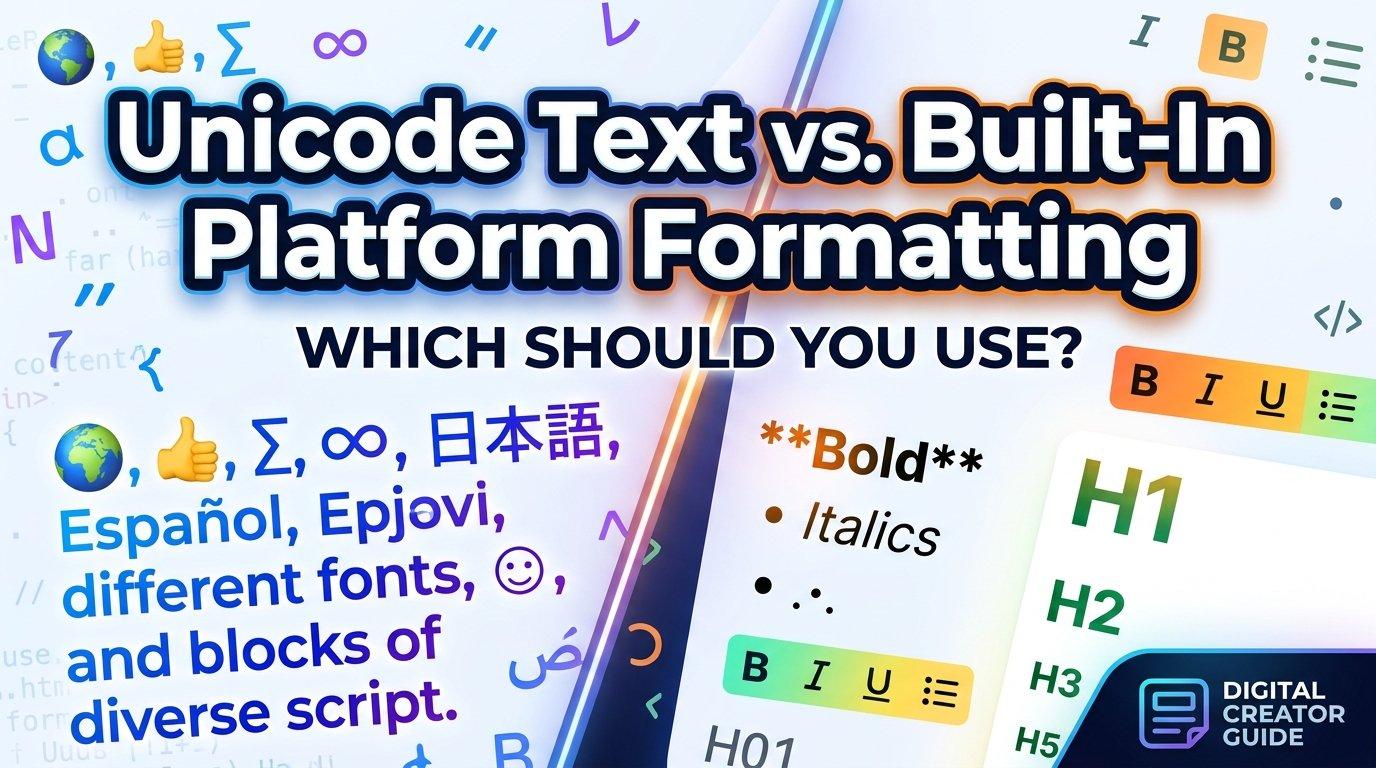
Fonts vs. Unicode Characters: The Key Difference
This is the point most people miss. A font is a design file installed on your device or loaded by a website. It changes how existing characters look. If you switch a document from Arial to Georgia, the underlying letters stay the same.
Stylized bio text works differently. It swaps standard letters for entirely different characters that happen to resemble decorative lettering. The mathematical alphanumeric symbols block, for example, includes bold, italic, script, fraktur, and double-struck versions of the Latin alphabet. These were originally created so mathematicians could distinguish variables in equations, but they render on almost any modern device because they’re part of the universal character set.
The standard behind this system is maintained by the Unicode Consortium, the nonprofit organization responsible for ensuring text displays consistently across operating systems, browsers, and apps. Because these characters are part of Unicode itself, they travel with the text when you copy and paste, which is why they work on platforms that offer no font controls.
Common Styles and Where They Fit
Different styles suit different purposes. Here’s a quick breakdown:
Script and Cursive
Flowing, handwritten-looking letters are popular for lifestyle, beauty, wedding, and creative profiles. They feel personal and refined. A Cursive Text Generator converts plain letters into these script-style Unicode characters, which is useful when you want a short name or tagline to look hand-lettered without installing anything.
Bold and Italic
These are the safest choices for readability. They work well for emphasis within a longer bio, such as highlighting a location or a call to action.
Gothic and Blackletter
Common among gaming, music, and streetwear profiles. The ornate strokes carry a strong visual weight, so they work best for one or two words rather than full sentences.
Double-Struck and Outline
Clean and modern, these styles suit tech, design, and minimalist brands.
Small Caps and Monospace
Understated options that add subtle polish without drawing too much attention.
How to Create Stylized Text Step by Step
You don’t need design skills or special software. The general process looks like this:
- Write your plain text first. Draft the bio or username in normal letters so you know exactly what you want to say.
- Choose a style. Decide which visual tone fits your profile: elegant, playful, bold, or minimal.
- Convert the text. A browser-based tool such as a Fancy Text Generator maps each standard letter to its Unicode counterpart in the chosen style and displays the result instantly.
- Copy and paste. Because the output is plain Unicode text, it pastes directly into any bio field, caption, or comment box.
- Preview before publishing. Check how it looks on both mobile and desktop, since rendering can vary slightly between devices.
Best Practices for Readable, Accessible Styling
Stylized text is fun, but it comes with trade-offs worth understanding.
Use It Sparingly
A full paragraph in decorative script is tiring to read. Reserve fancy styling for names, headings, or short taglines, and keep the rest in standard text.
Consider Screen Readers
Assistive technologies often interpret these symbols poorly. A screen reader may read a styled word letter by letter as “mathematical bold capital A” instead of pronouncing the word. If accessibility matters to your audience, keep essential information, like contact details or key descriptions, in plain text.
Mind Search and Discoverability
Search engines and in-app search generally match standard characters. If your name or keyword is written entirely in styled Unicode, people searching for it may not find you. Keep your searchable username in regular letters and apply styling to display names or decorative elements only.
Test Across Devices
Older operating systems and some apps lack glyphs for rarer symbols, which can show up as empty boxes. Preview your text on more than one device before committing to it.
Stay Consistent
Pick one or two styles and stick with them across your profiles. Consistency reads as intentional, while mixing five different styles tends to look chaotic.
Common Mistakes to Avoid
- Styling everything. Overuse reduces impact and hurts legibility.
- Ignoring contrast. Thin script styles can be hard to read against busy profile backgrounds.
- Replacing your handle. Using styled characters in a username that people need to type or search can make you harder to find.
- Skipping the preview. What looks elegant on one phone may break on another.
- Forgetting the audience. A playful gothic font may suit a gaming channel but feel out of place on a professional consulting profile.
Final Thoughts
Stylized text is a small design detail with outsized visual impact, and understanding that it relies on Unicode characters rather than true fonts helps you use it wisely. Choose styles that match your personality, apply them to short and meaningful phrases, and keep key information accessible in plain text. Used with restraint, decorative lettering can make a profile feel more distinctive without sacrificing clarity.

 English
 Arabic
 French
 Portuguese
 Deutsch
 Turkish
 Dutch
Dutch
 Italiano
 Russian
 Romaian
 Portuguese (Brazil)
 Greek
Greek
