
A Different Way To Manage And Control Your Device
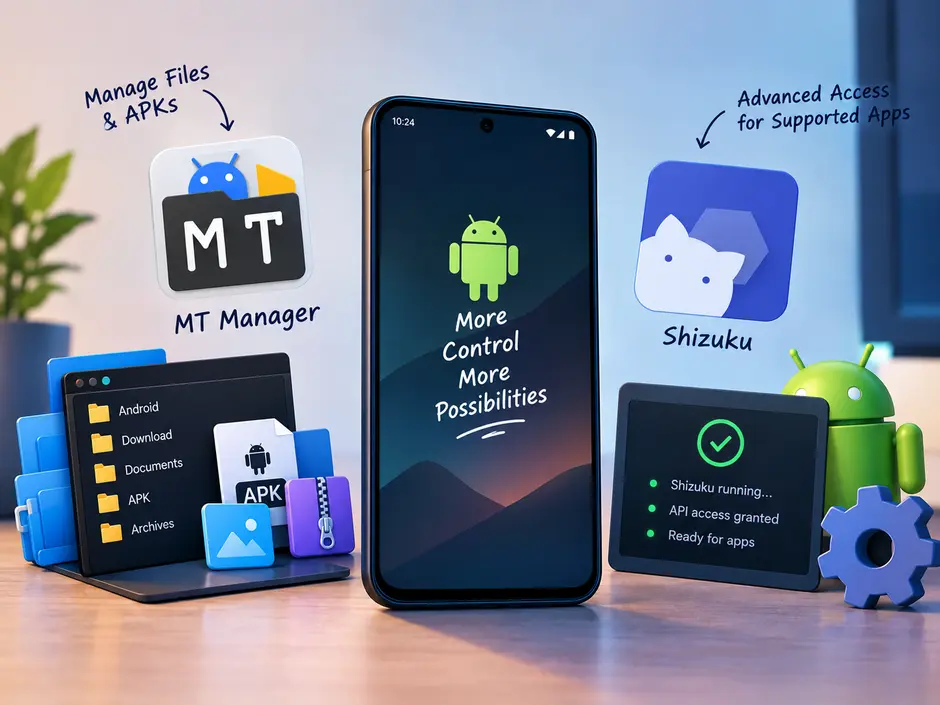
There is a point when using Android where default options stop being enough. You can download files, move them between folders, install apps, and change the settings that Android gives you. But what if you want to look a little deeper? Maybe you need to work with an APK, organize complicated folders, or use an app that needs access beyond normal Android permissions. This is where tools like MT Manager and Shizuku help you. They are more useful when you want to understand what is happening behind the scenes and have a little more control over your device.
MT Manager
App Name: MT Manager
Publisher: Lin Jin Bin
Category: Tools
Required Android Version: Android 5.0 and Up
Overview
MT Manager is perfectly fine for basic jobs. It is built around this more hands-on approach. Instead of testing your phone’s storage as something you simply browse, it gives you more tools for working with the files inside it. For someone who frequently works with Android files, having these functions together can save a lot of unnecessary switching between different apps.
Amazing features
-
Quick and easy file management according to your requirements.
-
High-performance text editor with syntax highlighting.
-
Unlocked direct editing of classes, ARSC, DEX files, and XML layouts.
-
FTP client functionality to manage files across local networks and servers.
-
Gives access to built-in backup and synchronization.
Conclusion
The MT Manager enables you to do numerous things on your Android device. You can manage any type of file by using MT Manager. A text editor, image viewer, and script executor are also available. Overall, it is a handy tool if you wish to customize your apps.
Shizuku
App Name: Shizuku
Publisher: Xingchen Rikka
Category: Tools
Required Android Version: Android 7.0 and Up
Overview
Shizuku APK is more about helping supported applications perform tasks that need additional system access. If an Android utility supports Shizuku and needs additional access for a particular operation. Its aim is to simplify the process so users can interact with system-level features. Also, it focuses on maintaining the security of your device. In short, Shizuku APK is helpful for Android users who want to take control of advanced Android functions or system-level permissions.
Amazing features
-
Provides a binder service that is used to call the supported APIs directly.
-
Handles operations through fast IPC instead of ADB shell commands.
-
Wireless ADB support.
-
Provides clear APIs and documentation.
-
On-screen tips that verify required permissions.
Conclusion
Shizuku provides a platform for Android users to interact with their Android devices in more powerful ways. Developers can access the source code and comprehensive guides. It focuses on security and user control.
A better fit for curious Android users
You don’t necessarily need either tool if your phone is only used for basic everyday activities. But Android has a large community of users who enjoy experimenting with apps, managing files, and finding out what is possible beyond the standard interface. Both apps can make complicated file-related work and certain advanced functions available to compatible applications. For that type of user, having tools like these available can make Android feel considerably less restrictive.
Final Thoughts
Android becomes a lot more interesting once you stop looking at it only through the options shown in the settings menu. MT Manager and Shizuku approach that idea from different directions, but both can be useful when basic Android tools start feeling restrictive. Mt Manager is a practical choice for handling files and APK-related work, while Shizuku can help compatible apps carry out more advanced operations.

 English
 Arabic
 French
 Spanish
 Portuguese
 Deutsch
 Dutch
Dutch
 Italiano
 Russian
 Romaian
 Portuguese (Brazil)
 Greek
Greek
