
How to Reduce IPTV Buffering and Improve Streaming Quality
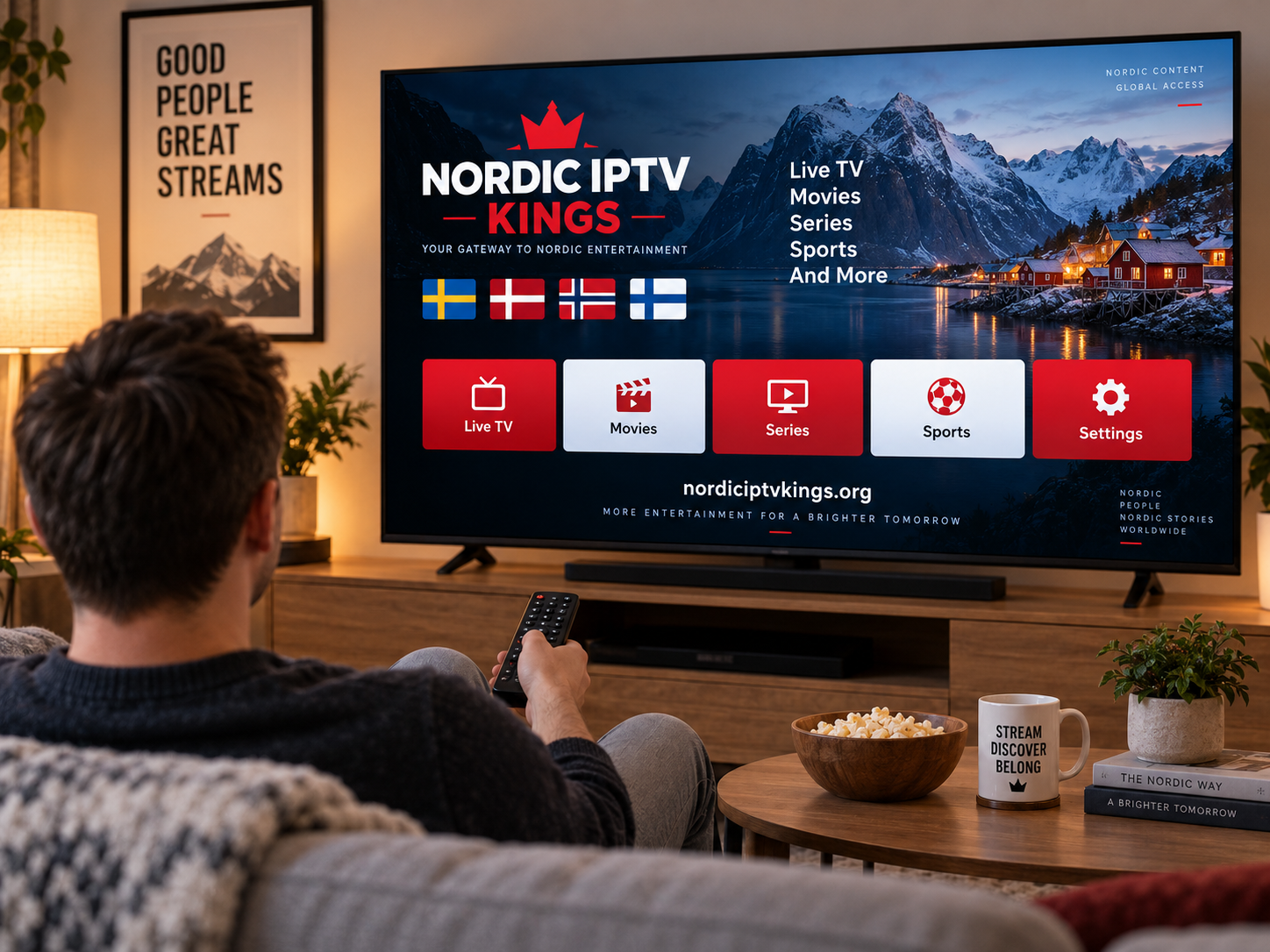
IPTV makes it possible to watch live television, sports, movies, and series through an internet connection, but the quality of the experience depends heavily on the home network and streaming setup. Buffering, freezing, delayed channel changes, and sudden drops in picture quality can make even a well-organized IPTV setup frustrating.
For viewers in Sweden and other Nordic countries, understanding the common causes of IPTV buffering can make troubleshooting much easier. In many cases, the problem is not the television or IPTV application itself. Wi-Fi coverage, internet congestion, device performance, and stream quality can all affect playback.
Why Does IPTV Buffer?
Buffering occurs when a streaming device does not receive video data quickly or consistently enough to maintain continuous playback.
Unlike downloaded video, live IPTV has less opportunity to store large amounts of content in advance. A stable connection is therefore particularly important.
Common causes include:
-
Weak Wi-Fi signal
-
Network congestion
-
An overloaded router
-
Too many devices using the connection
-
Slow or unstable internet
-
Outdated streaming hardware
-
Application performance problems
-
Problems affecting an individual stream
Identifying the actual cause is more effective than repeatedly changing applications or settings.
Check Your Internet Connection First
The first troubleshooting step should be checking whether the internet connection is working normally.
Try opening another streaming platform or online video on the same device. If all services are slow or repeatedly stop, the issue is more likely related to the network than the IPTV player.
Test the Connection Near Your Streaming Device
Running a speed test close to the television or streaming box gives a better indication of the connection available to that device.
A strong internet package does not automatically mean every room receives the same Wi-Fi performance. Walls, floors, distance, and interference can weaken the wireless signal.
Use Ethernet When Practical
A wired Ethernet connection can provide greater consistency than Wi-Fi because the device connects directly to the router.
For a Smart TV, Android box, Formuler box, or other stationary streaming device, Ethernet may be worth considering if the router is nearby.
A wired connection can help reduce problems caused by:
-
Wireless interference
-
Weak signal strength
-
Distance from the router
-
Crowded Wi-Fi networks
Ethernet is not essential for IPTV, but it can make troubleshooting simpler.
Improve Wi-Fi for IPTV Streaming
Many households cannot easily connect every device through Ethernet. In that situation, improving Wi-Fi coverage becomes important.
Position the Router Correctly
Avoid placing the router inside a cabinet, behind large furniture, or in an isolated corner of the home.
A relatively open and central position usually provides better coverage.
Consider 5 GHz and 2.4 GHz Wi-Fi
Modern routers commonly provide different wireless frequency bands.
A 5 GHz connection can offer higher performance at shorter distances, while 2.4 GHz can sometimes provide better coverage through walls and over longer distances.
The most suitable option depends on the location of the streaming device and the layout of the home.
Mesh Wi-Fi for Larger Homes
Large houses or multi-floor properties may have areas where the main router cannot provide strong coverage.
A properly installed mesh Wi-Fi system can extend coverage and provide a more consistent connection across multiple rooms.
Check Other Devices on the Network
Your television may not be the only device using the internet.
Computers downloading large files, game consoles installing updates, cloud backups, video calls, and several simultaneous video streams can all consume bandwidth.
If buffering mainly occurs when several people are online, network congestion may be contributing to the problem.
Try temporarily pausing large downloads or unnecessary background activity and test IPTV again.
Choose a Suitable IPTV Player
The application used for playback can also influence the experience.
Different IPTV players provide different interfaces and features. Depending on the device, users may encounter applications supporting M3U playlists, EPG information, favorites, categories, subtitles, and other functions.
A player should ideally be:
-
Compatible with the device
-
Regularly maintained
-
Easy to navigate
-
Capable of handling the required playlist format
-
Stable during extended viewing sessions
Nordic viewers researching compatible devices, players, and streaming options may come across resources such as Nordic IPTV King when exploring IPTV setups for television and other supported platforms.
Restart the IPTV Application
Applications sometimes experience temporary memory or connection problems.
Completely close the IPTV player rather than simply returning to the home screen. Reopen it and check whether playback improves.
If the problem continues, restart the entire streaming device.
This simple step can clear temporary processes that may have been affecting performance.
Restart Your Router
Routers often operate continuously for long periods.
If several devices are experiencing connectivity problems, restarting the router may help restore a normal connection.
Turn the router off, wait briefly, and restart it according to the manufacturer's instructions. Allow the network connection to fully return before testing IPTV again.
Avoid repeatedly restarting networking equipment if the underlying issue keeps returning. Persistent problems may require additional investigation.
Check Whether One Channel or Every Channel Is Affected
This is an important troubleshooting step.
If only one channel buffers while other channels work normally, the issue may be related to that particular stream.
If every channel buffers, investigate:
-
Internet stability
-
Wi-Fi coverage
-
Device performance
-
IPTV application
-
Network congestion
Testing several channels helps narrow down the possible cause.
Keep Your Streaming Device Updated
Older software can create compatibility or performance issues.
Check periodically for updates to your:
-
Smart TV
-
Android TV or Google TV device
-
Apple TV
-
IPTV player
-
Streaming box
-
Router firmware
Software updates can include performance improvements, compatibility changes, and security fixes.
Avoid Filling Device Storage
Some Smart TVs and inexpensive streaming boxes have limited storage.
When storage becomes almost completely full, device performance can suffer.
Remove unused applications and unnecessary files when possible. Restarting the device after cleaning storage can also help.
Understand the Difference Between HD and 4K
Higher video resolution generally requires more data.
A Full HD stream may work smoothly while a high-bitrate 4K stream struggles on the same network.
Picture quality depends on several factors, including:
Internet Stability
A consistently available connection is more important than occasional bursts of high speed.
Video Bitrate
Two streams with the same resolution may use different amounts of data depending on their encoding.
Device Performance
Older hardware may struggle to decode demanding video formats efficiently.
Television Capability
A 4K stream provides limited benefit if the screen itself cannot display 4K resolution.
Choosing the highest available resolution is therefore not always the best option.
Use Favorites to Simplify Navigation
Buffering is not the only factor that affects IPTV usability.
Large channel collections can make navigation slow and confusing. Creating a favorites list allows users to keep frequently watched channels in one place.
A Nordic household could organize favorites around categories such as:
-
Swedish TV
-
Nordic channels
-
Sports
-
News
-
Movies
-
Entertainment
Reducing unnecessary navigation can make the overall viewing experience feel faster and easier.
Configure the EPG Correctly
An Electronic Program Guide can show current and upcoming television programs when suitable guide data is available.
A well-configured EPG reduces the need to open channels individually to see what is playing.
If an application becomes slow after loading a very large EPG or playlist, review its settings and remove unnecessary data where the player allows it.
Do Not Assume a VPN Will Fix Buffering
Some users immediately install a VPN when IPTV begins buffering.
A VPN changes how internet traffic is routed and can sometimes reduce connection speed because data must travel through an additional server.
It should not be treated as a universal buffering solution.
If a VPN is being used for legitimate privacy purposes, compare streaming performance with different reputable server locations and follow applicable laws and service terms.
Follow a Simple Troubleshooting Order
When IPTV starts buffering, test the system in a logical sequence:
Step 1: Test another online video
Confirm whether the internet connection is working normally.
Step 2: Try several channels
Determine whether the problem affects one stream or the entire service.
Step 3: Restart the player
Close the application completely and reopen it.
Step 4: Restart the device
Clear temporary device issues.
Step 5: Check Wi-Fi strength
Move closer to the router or test Ethernet if possible.
Step 6: Reduce network activity
Pause large downloads and unnecessary simultaneous streaming.
Step 7: Check for updates
Make sure the application and device software are current.
Following these steps makes it easier to identify the actual source of the problem.
Final Thoughts
Smooth IPTV streaming depends on several parts of the setup working together. A stable internet connection, good Wi-Fi coverage, suitable hardware, a compatible player, and sensible network management can significantly improve everyday viewing.
When buffering occurs, avoid changing everything at once. Test the connection, determine whether the problem affects one or multiple streams, inspect the home network, and then check the device and application. A systematic approach can help Nordic IPTV users create a more stable and practical streaming environment across Smart TVs, Android devices, Apple TV, computers, and other compatible platforms.

 English
 Arabic
 French
 Spanish
 Portuguese
 Deutsch
 Dutch
Dutch
 Italiano
 Russian
 Romaian
 Portuguese (Brazil)
 Greek
Greek
