
Project Tracking Software: How to Choose the Right Tool for Managing Projects, Tasks, and Deadlines
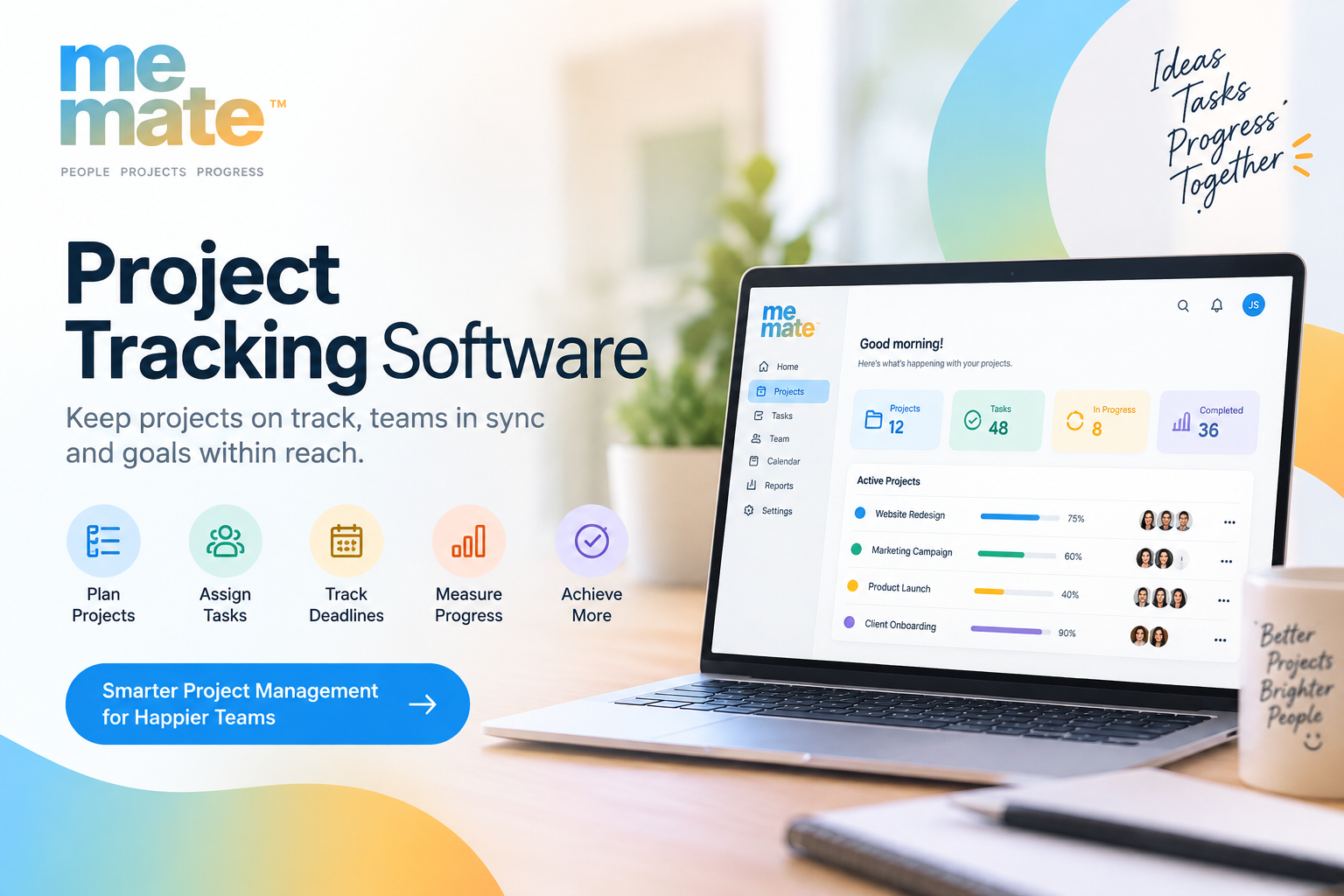
Choosing project tracking software is rarely about finding the tool with the longest feature list. The better question is whether a platform can make everyday work easier to organise, monitor, and complete.
For a small service business, that might mean keeping client work, deadlines, approvals, and invoices in one place. For a larger team, it may mean coordinating multiple projects, assigning responsibilities, tracking progress, and identifying delays before they become expensive problems.
The right choice depends on how your team actually works. Here is what to evaluate before committing to a platform.
What Does Project Tracking Software Actually Do?
Project tracking software helps teams organise work and monitor progress from initial planning through completion. Depending on the platform, it may combine task management, scheduling, team collaboration, time tracking, reporting, client communication, and other business workflows.
At its most useful, the software gives everyone a shared view of:
- What needs to be done
- Who is responsible
- When each task is due
- What has been completed
- What is currently blocked
- Which projects need attention
That visibility can be particularly valuable when a business is managing several clients or projects simultaneously. Instead of relying on spreadsheets, emails, chat messages, and individual notes, the team has a central source of project information.
Start With Your Workflow, Not the Feature List
A common mistake is comparing software by counting features. A platform can have dozens of capabilities and still be a poor fit if its workflow does not match the way your business operates.
Before comparing tools, map out a typical project.
For example, a creative agency might move from enquiry to proposal, project setup, production, client review, revisions, approval, invoicing, and delivery. A construction-related business may need scheduling, task dependencies, documentation, field updates, and deadline monitoring.
Ask:
- What happens when a new project starts?
- Who creates and assigns tasks?
- How are deadlines communicated?
- Where are client approvals recorded?
- How does the team report progress?
- What happens when a deadline changes?
- Which repetitive administrative tasks could be automated?
Your answers provide a much more useful buying checklist than a generic feature comparison.
Essential Features to Compare
Task and deadline management
Strong task management should make responsibilities and deadlines immediately clear. Look for task assignment, due dates, priorities, recurring tasks, subtasks, status updates, and reminders.
Dependencies can also matter. If a website cannot enter development until its design is approved, for example, the project system should make that relationship visible rather than leaving employees to remember it themselves.
Project views and scheduling
Different people understand work differently. A Kanban-style board may work well for teams moving tasks through defined stages, while a calendar or timeline can provide a better overview of deadlines and schedules.
Ideally, the software should allow managers to see both individual tasks and the wider project without creating unnecessary administrative work.
Collaboration and client visibility
Project tracking becomes considerably more useful when communication stays connected to the work.
Look for comments, file sharing, notifications, approvals, and appropriate client access. A client should not necessarily need access to every internal conversation, but they may benefit from seeing project status, reviewing deliverables, or providing feedback in a structured way.
This is also where project tracking can complement client relationship management. Customer information may live in a dedicated CRM, while project-specific communication and delivery remain inside the project workspace.
Reporting and visibility
Reports should help people make decisions, not simply produce attractive charts.
Useful reporting might show overdue tasks, project progress, workload, time spent, upcoming deadlines, or projects that are falling behind.
Before buying, ask what questions your managers actually need answered. If the answer is "Which projects need attention this week?", choose a platform that can answer that quickly.
Consider Integrations With the Rest of Your Business
Project management rarely happens in isolation. Your team may already use accounting platforms, calendars, communication tools, cloud storage, CRM systems, or customer relationship management software.
Integrations can reduce duplicate data entry and prevent information from becoming fragmented.
For example, a business may use project tracking for delivery while handling billing through invoicing software for small businesses. Connecting relevant systems can create a smoother workflow, but only if the integration genuinely saves time.
Do not assume that having more integrations is automatically better. Evaluate whether the connections you need are available, reliable, and practical for your workflow.
Usability Matters More Than Feature Count
A sophisticated platform is of limited value if employees avoid using it.
During evaluation, pay attention to how quickly someone can:
- Create a project
- Add and assign tasks
- Change a deadline
- Find an overdue item
- Upload a file
- Update project status
- Understand what needs attention next
A trial involving real work is usually more informative than a product demonstration. Set up one realistic project, involve the people who will actually use the software, and observe where friction appears.
Think About Scalability, Security, and Cost
Your requirements may change as your business grows. Consider whether the platform can accommodate additional users, projects, clients, workflows, and reporting requirements without becoming unnecessarily complicated.
Security also deserves attention, particularly when projects contain confidential client information. Review access controls, user permissions, data handling practices, authentication options, backups, and other security information provided by the vendor.
Pricing should be evaluated against the total cost of ownership rather than the subscription price alone. Training, migration, integrations, additional users, administration, and unused features can all affect the real cost.
Common Project Tracking Mistakes to Avoid
Even good software can fail when implementation is poorly planned.
Avoid:
- Choosing a tool before defining the workflow
- Buying unnecessary features
- Creating too many project statuses
- Giving everyone access to everything
- Tracking information that nobody uses
- Maintaining duplicate systems unnecessarily
- Expecting employees to adopt the platform without training
- Treating software as a replacement for clear processes
The objective is not to track every possible detail. It is to make important work visible enough that people can act on it.
Where a Tool Like meMate May Fit
For businesses looking for a platform to bring project-related workflows together, meMate can be considered as one option during the evaluation process. Its suitability should be assessed against the organisation's specific requirements rather than assumed from the name or feature category alone.
A sensible evaluation is to compare meMate alongside other shortlisted platforms using the same criteria: workflow fit, task management, collaboration, reporting, integrations, usability, scalability, security, and overall cost.
That approach keeps the purchasing decision grounded in business needs rather than marketing claims.
A Simple Framework for Choosing the Right Tool
If several platforms appear suitable, score each one against five practical areas:
1. Workflow fit: Does it support the way your projects actually move from start to finish?
2. Adoption: Can the team understand and use it without excessive training?
3. Visibility: Can managers quickly identify progress, workload, risks, and overdue work?
4. Integration: Does it connect effectively with the systems your business already relies on?
5. Value: Does the time and coordination it saves justify its total cost?
A tool that scores consistently well across these areas is often more valuable than one that wins on feature count alone.
Frequently Asked Questions
Is project tracking software only useful for large businesses?
No. Small teams can benefit significantly because they often have fewer people handling multiple responsibilities. A central system can make deadlines, ownership, and client work easier to manage.
What is the most important feature in project tracking software?
There is no universal answer, but clear task ownership and deadline management are fundamental. The best feature set depends on the workflow, team size, project complexity, and reporting needs of the business.
Should project tracking software include CRM functionality?
Not necessarily. Some businesses benefit from integrated customer information, while others prefer dedicated CRM and project-management systems. The important consideration is whether the systems work together without creating unnecessary duplication.
How should a business compare two project tracking tools?
Use the same real-world workflow to test both. Compare task creation, scheduling, collaboration, reporting, integrations, usability, permissions, scalability, and total cost rather than relying solely on feature lists.
Is free project tracking software enough?
It can be, particularly for simple workflows and small teams. However, businesses should check limitations around users, projects, storage, automation, integrations, reporting, support, and security before relying on a free plan.
How can a team improve adoption after choosing a tool?
Start with a clearly defined workflow, establish simple rules for using the platform, train users on the processes that matter, and remove unnecessary complexity. Adoption is usually easier when the software solves an obvious daily problem rather than adding another administrative task.

 English
 Arabic
 French
 Spanish
 Deutsch
 Turkish
 Dutch
Dutch
 Italiano
 Russian
 Romaian
 Portuguese (Brazil)
 Greek
Greek
