
Workplace Safety Management Software for Digital Safety
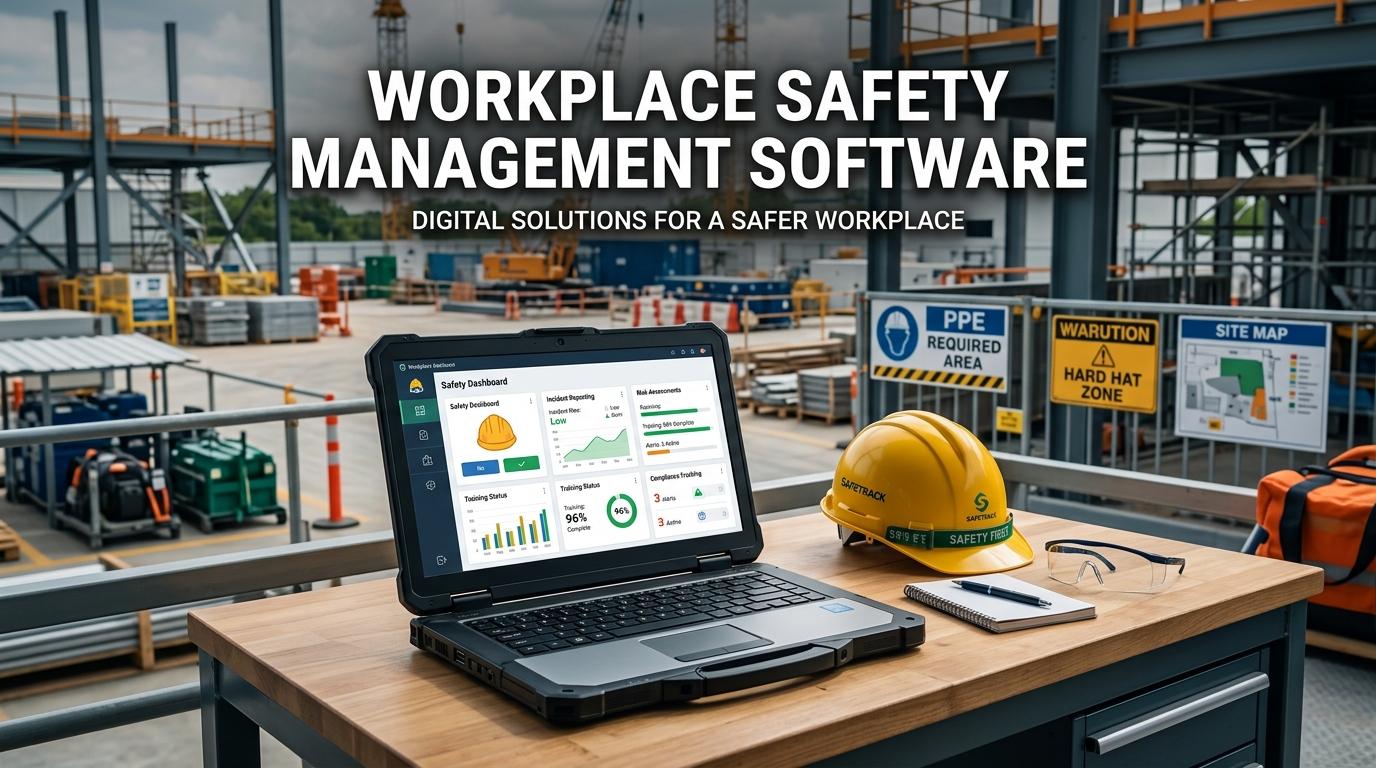
Managing workplace safety involves many activities that need regular attention. Employees report hazards, supervisors conduct inspections, managers review incidents, and safety teams monitor compliance requirements. Workplace Safety Management Software can bring these activities into one digital environment, making it easier for organizations to organize digital safety management and keep important safety information accessible. When we use a structured digital system, you and your team can spend less time searching through paperwork and more time responding to actual workplace risks.
What Is Workplace Safety Management Software
Workplace Safety Management Software is a digital platform designed to help organizations manage their workplace safety activities from a centralized system. Instead of maintaining separate spreadsheets, paper forms, emails, and folders, teams can manage many safety processes through one platform.
Depending on the solution, organizations can use the software for
- Hazard reporting
- Safety inspections
- Risk assessments
- Incident reporting
- Near miss reporting
- Corrective action management
- Safety audits
- Compliance tracking
- Safety documentation
- Employee safety observations
- Safety performance reporting
The purpose is not simply to move paperwork onto a computer. A well designed system connects different safety activities so information can move from one process to another.
For example, a safety inspection may identify a hazard. That finding can be recorded in the system, assigned to a responsible employee, given a deadline, and tracked until it is resolved.
Why Digital Safety Management Matters
Manual safety processes can become difficult to manage as an organization grows.
A company with one location and a small team may be able to manage safety information through basic documents. However, organizations with multiple sites, departments, employees, contractors, and operational activities often need a more structured approach.
Digital safety management can help teams maintain consistency across these different areas.
Instead of asking employees to complete paper forms and send them to a safety manager, organizations can provide digital workflows for common activities.
This can make it easier to
- Report safety concerns
- Find safety records
- Assign responsibilities
- Monitor deadlines
- Review safety trends
- Maintain compliance documentation
We should also remember that technology does not replace safety professionals. It gives them better tools to organize information and follow up on important activities.
Workplace Safety Software for Daily Operations
Workplace safety is part of everyday operations. Employees may encounter hazards during routine tasks, while supervisors may need to complete inspections or verify that safety procedures are being followed.
Workplace safety software can provide a shared platform for these activities.
Imagine an employee notices a damaged electrical cable. Instead of waiting for a formal inspection, they can report the issue through the digital system. The supervisor can review the report and assign the required corrective action.
Once the issue has been resolved, the responsible person can update the record.
The safety team can then see the complete history of the issue.
This type of workflow creates clearer accountability because everyone can see what was reported, who is responsible, and whether the issue has been addressed.
Risk Management Through Digital Tools
Workplace risk management requires organizations to identify hazards, evaluate risks, and establish suitable controls.
Digital software can help safety teams organize this information in a consistent format.
A digital risk management process can include
- Identifying the hazard
- Assessing the potential risk
- Recording existing controls
- Identifying additional controls
- Assigning responsibility
- Setting review dates
- Monitoring the status
This approach can be useful when workplace conditions change.
For example, if a company introduces new equipment, the safety team may need to review existing risks. A digital platform can make it easier to locate the relevant risk assessment, update the information, and maintain a record of the changes.
Managing Safety Inspections Digitally
Regular inspections are an important part of workplace safety.
Safety teams and supervisors may inspect equipment, work areas, facilities, storage areas, production processes, and other workplace conditions.
Traditional paper checklists can make it difficult to track whether inspections were completed and what happened after a problem was identified.
Digital safety management can simplify this process.
Employees can use digital checklists to complete inspections and record findings directly into the system.
Managers can monitor
- Scheduled inspections
- Completed inspections
- Missed inspections
- Inspection findings
- Open corrective actions
- Repeated safety issues
If the same issue appears repeatedly, managers can investigate the underlying cause rather than treating each finding as a separate problem.
Incident and Near Miss Management
Workplace incidents need to be reported, reviewed, and investigated properly.
Workplace Safety Management Software can provide structured forms for employees to report incidents and near misses.
A report can include information such as
- Date and time
- Location
- People involved
- Description of the event
- Immediate actions
- Possible causes
- Supporting photographs
- Investigation details
- Corrective actions
Near miss reporting is also valuable because it can reveal potential hazards even when nobody was injured.
When employees have a simple way to report these events, safety teams can collect more information about what is happening in different areas of the workplace.
Safety Compliance Software for Better Record Keeping
Safety compliance software can help organizations organize documentation and monitor compliance related activities.
Compliance requirements can involve policies, inspections, training, audits, risk assessments, incident records, and corrective actions.
Managing these activities manually can create gaps in documentation.
A digital platform can help maintain records such as
- Inspection results
- Risk assessments
- Incident investigations
- Corrective action history
- Audit findings
- Safety training records
- Safety policies
- Compliance checklists
This can make it easier for safety teams to demonstrate that required processes have been completed.
Creating a Strong Safety Management System
A safety management system provides a structured approach to managing workplace safety.
Software can support this system by connecting different activities within a common platform.
For example, a hazard report can lead to a risk assessment. The risk assessment can identify required controls. An inspection can then verify whether those controls are working. If an incident occurs, the investigation can lead to additional corrective actions.
When these processes are connected, information does not remain isolated.
Managers can also review the history of actions taken and identify areas where additional attention may be needed.
How Automation Can Support Safety Teams
Digital safety platforms can automate several routine activities.
This does not mean every safety decision should be automated. Safety professionals still need to review risks and make decisions based on workplace conditions.
However, software can handle administrative tasks such as
Automated Reminders
Employees can receive reminders for inspections, assessments, training, or corrective actions.
Scheduled Activities
Recurring inspections and reviews can be scheduled according to organizational requirements.
Task Assignment
When a hazard or finding is recorded, responsibility can be assigned to a specific person.
Status Tracking
Managers can see which actions are pending, completed, or overdue.
Report Generation
Safety information can be compiled into reports for managers and safety teams.
These features can reduce repetitive administrative work and make follow up more consistent.
Using Safety Data to Manage Workplace Risks
One of the biggest advantages of digital safety management is the ability to collect safety information over time.
A company may have hundreds or thousands of inspection findings, incident reports, observations, and corrective actions. When this information is organized in a central system, managers can look for recurring patterns.
For example, they may find that
- Certain hazards occur repeatedly
- One location has more incidents than others
- Corrective actions are frequently overdue
- Certain equipment creates recurring problems
- Near miss reports increase in a particular department
- Specific safety inspections identify similar findings
These patterns can help management decide where additional controls, training, maintenance, or process changes may be needed.
Encouraging Employees to Take Part
Employees are an important part of workplace safety because they experience daily operations directly.
A worker may notice an unsafe condition before it is identified during a scheduled inspection.
If reporting is complicated, employees may not report every concern.
A simple digital system can give workers an easier way to share
- Hazards
- Near misses
- Unsafe conditions
- Safety observations
- Equipment problems
- Workplace incidents
However, technology alone is not enough. Employees also need to know that their reports will be reviewed and that genuine safety concerns will receive appropriate attention.
Benefits of Workplace Safety Management Software
Organizations can gain several practical benefits from using Workplace Safety Management Software.
Centralized Safety Information
Important safety records can be maintained in one location instead of being spread across different files.
Better Accountability
Tasks can be assigned to specific employees with clear deadlines.
Faster Reporting
Employees can report hazards and incidents without relying on paper forms.
Easier Compliance Monitoring
Safety teams can monitor required activities and identify outstanding tasks.
Improved Risk Visibility
Managers can review information from different safety processes and identify recurring risks.
Reduced Administrative Work
Automated workflows and reminders can reduce repetitive follow up.
Consistent Safety Processes
Organizations can standardize forms, checklists, workflows, and reporting procedures across departments and locations.
Choosing the Right Workplace Safety Software
The best software should match the organization's actual safety requirements.
Before selecting a solution, you should consider how employees currently report hazards, how inspections are completed, how incidents are investigated, and how compliance records are maintained.
Important areas to evaluate include
Ease of Use
Employees should be able to use common features without extensive technical knowledge.
Mobile Access
Mobile functionality can be useful for employees working on production floors, construction sites, warehouses, facilities, or field locations.
Custom Workflows
Different workplaces have different inspection forms, approval processes, and risk assessment methods. The software should support these requirements.
Reporting Features
Managers need useful reports that help them understand safety performance and identify areas requiring attention.
Scalability
The system should be able to support additional employees, locations, and safety activities as the organization grows.
Integration
Integration with other systems such as HR, maintenance, training, or asset management can reduce duplicate data entry.
How to Start Digital Safety Management
Organizations do not need to move every safety process to software at the same time.
A gradual approach can make implementation easier.
You can begin by
- Reviewing existing safety processes
- Identifying manual tasks
- Choosing priority activities
- Creating digital forms and workflows
- Training employees
- Starting with selected departments
- Monitoring usage
- Collecting employee feedback
- Adjusting the system where necessary
- Expanding to additional safety processes
Starting with practical needs can help employees see how the software supports their daily responsibilities.
Conclusion
Workplace Safety Management Software provides organizations with a digital way to manage workplace safety, compliance, inspections, risks, incidents, and corrective actions. By bringing these activities into a centralized system, organizations can reduce manual administration and make safety information easier to access.
Digital safety management can also support workplace risk management by helping teams identify recurring hazards, monitor corrective actions, and maintain records over time.
The most effective approach is not simply to purchase software and expect safety performance to change automatically. We need clear processes, employee participation, responsible management, and regular review.
When technology supports these elements, workplace safety software can become a practical part of everyday safety management. It can help employees report concerns, help managers follow up on risks, and give safety teams a clearer view of what is happening across the workplace.

 English
 Arabic
 French
 Spanish
 Deutsch
 Turkish
 Dutch
Dutch
 Italiano
 Russian
 Romaian
 Portuguese (Brazil)
 Greek
Greek
