
A Beginner’s Guide to Smartsheet Resource Management, Workflow Automation, Dashboard Development, and PMO Solutions
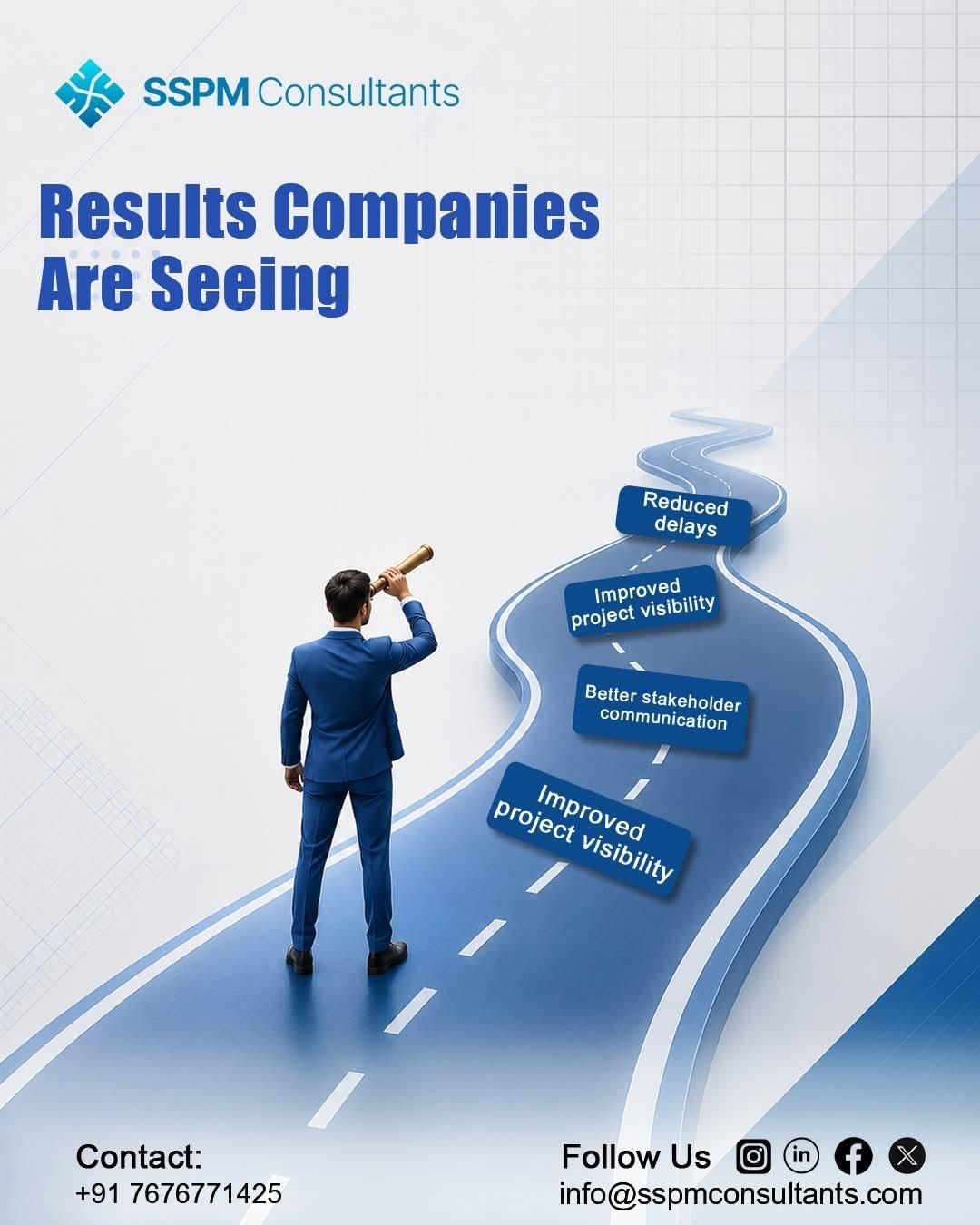
In today’s fast-moving business environment, teams need more than spreadsheets to manage projects, people, processes, and priorities. They need connected solutions that improve visibility, reduce repetitive work, and help everyone stay focused on important goals. That is where Smartsheet can make a significant difference.
For beginners, Smartsheet may seem like a simple project management platform at first. However, its capabilities extend far beyond basic task tracking. With the right approach, organizations can use Smartsheet Resource Management, Smartsheet Workflow Automation, Smartsheet Dashboard Development, and Smartsheet PMO Solutions to create efficient and organized working environments.
At SSPM Consultant, we approach Smartsheet as more than a technology platform. We act as a design leader, creating imaginative, one-of-a-kind spaces where teams can collaborate, manage resources, automate processes, and make better decisions. Let’s explore these solutions step by step.
What Is Smartsheet?
Smartsheet is a work management platform that helps organizations plan, track, automate, and report on their work. Its familiar spreadsheet-style interface makes it approachable for beginners, while its advanced capabilities allow growing organizations to build sophisticated project and business solutions.
For example, a team can use Smartsheet to manage project schedules, assign tasks, monitor deadlines, create reports, automate notifications, and build executive dashboards.
Therefore, instead of maintaining disconnected spreadsheets and emails, teams can bring important information into one organized environment.
1. Understanding Smartsheet Resource Management
People are one of an organization’s most valuable resources. However, managing team capacity can become challenging when several projects compete for the same employees.
Smartsheet Resource Management helps organizations understand who is working on what, how much capacity they have, and where additional resources may be required.
For beginners, the concept is simple: match the right people with the right work at the right time.
For instance, imagine a marketing company managing five campaigns simultaneously. Without resource visibility, one designer might receive too many assignments while another has available capacity. As a result, deadlines can slip and employees can become overloaded.
With effective resource management, managers can gain better visibility into workloads and make informed decisions about assignments and capacity.
Key benefits include:
-
Better visibility into team workloads
-
Improved project planning
-
More balanced resource allocation
-
Easier capacity forecasting
-
Reduced risk of employee overloading
-
Improved project delivery
Consequently, resource management helps organizations move from reactive staffing decisions to proactive planning.
2. Smartsheet Workflow Automation
Next, consider the repetitive tasks that consume valuable time every day. Sending reminders, requesting approvals, updating stakeholders, and moving information between stages can quickly become administrative burdens.
Smartsheet Workflow Automation helps reduce this manual effort.
Instead of asking employees to perform every small administrative task, organizations can create automated workflows based on specific conditions.
For example, when a project task reaches a particular status, Smartsheet can trigger an approval request or notify the appropriate team member. Similarly, automated reminders can help employees stay aware of upcoming deadlines.
This does not mean removing people from the process. Instead, automation allows people to focus on meaningful work while technology handles repetitive activities.
Common automation opportunities include:
-
Approval requests
-
Deadline reminders
-
Status notifications
-
Task assignments
-
Escalations
-
Data updates
-
Stakeholder alerts
Moreover, automation can create greater consistency. When the same process happens automatically each time, teams can reduce errors caused by forgotten steps or manual updates.
3. Smartsheet Dashboard Development
Information becomes much more useful when people can understand it quickly. That is why Smartsheet Dashboard Development plays an important role in modern project and business management.
A dashboard brings important information together in a visual format. Instead of reviewing multiple sheets and reports, users can view key metrics, project status, deadlines, risks, and performance indicators in one place.
For example, an executive dashboard might display:
-
Overall project health
-
Completed and outstanding tasks
-
Upcoming milestones
-
Resource utilization
-
Budget information
-
Project risks
-
Key performance indicators
However, effective dashboard development requires more than adding charts to a page. A good dashboard should answer important business questions quickly.
Therefore, beginners should start by asking: Who will use this dashboard, and what decisions do they need to make?
A project manager may need detailed task information, while an executive may only need high-level performance indicators. By designing dashboards around specific audiences, organizations can make information clearer and more actionable.
4. Smartsheet PMO Solutions
A Project Management Office, or PMO, helps organizations establish consistent approaches to planning, executing, monitoring, and reporting projects.
Smartsheet PMO Solutions can help PMO teams create standardized processes while maintaining visibility across multiple projects.
Instead of allowing every project team to manage work differently, organizations can establish templates, workflows, dashboards, reports, and governance processes that support consistency.
For beginners, think of a PMO solution as a central framework that helps an organization answer questions such as:
-
Which projects are currently active?
-
Are projects progressing as planned?
-
Which projects face risks?
-
Where are resources being used?
-
Which deadlines are approaching?
-
Which initiatives need management attention?
With these answers available, leadership teams can make faster and more informed decisions.
How These Four Solutions Work Together
The real power comes from connecting these capabilities rather than using them separately.
Imagine an organization launching a major business initiative. Smartsheet Resource Management helps determine which employees have capacity. Smartsheet Workflow Automation keeps approvals, notifications, and updates moving. Smartsheet Dashboard Development gives managers real-time visibility into progress. Finally, Smartsheet PMO Solutions provide the structure needed to govern the initiative and align it with organizational objectives.
Together, these capabilities create a connected work management environment.
As a result, organizations can improve collaboration, increase transparency, reduce manual effort, and make better use of their resources.
Why Choose SSPM Consultant?
Implementing Smartsheet successfully requires more than simply creating sheets. Organizations need solutions designed around their actual processes, people, and objectives.
That is where SSPM Consultant brings value. As a design leader creating imaginative, one-of-a-kind spaces, SSPM Consultant focuses on building Smartsheet environments that are practical, scalable, and aligned with business needs.
From Smartsheet Resource Management and Smartsheet Workflow Automation to Smartsheet Dashboard Development and Smartsheet PMO Solutions, the goal is to transform complex processes into clear and manageable experiences.
Rather than forcing every organization into the same structure, SSPM Consultant can help create solutions that reflect unique workflows and operational requirements.
Getting Started With Smartsheet
If you are new to Smartsheet, start small. First, identify one process that causes delays or requires excessive manual effort. Then, map the current process and determine where Smartsheet can improve visibility or efficiency.
Next, introduce automation where appropriate. After that, create a dashboard that displays the information your team needs most. As your confidence grows, you can expand into resource management and broader PMO solutions.
Most importantly, focus on business outcomes rather than technology alone.
Conclusion
Smartsheet can help organizations transform the way they manage projects, resources, processes, and information. Smartsheet Resource Management improves capacity planning, Smartsheet Workflow Automation reduces repetitive work, Smartsheet Dashboard Development turns data into actionable insights, and Smartsheet PMO Solutions create consistency across project portfolios.
Together, these solutions can create a smarter, more connected way of working.
With the right strategy and guidance, beginners can move beyond basic spreadsheets and build an organized digital workspace designed for growth. With SSPM Consultant leading the way as a design leader creating imaginative, one-of-a-kind spaces, organizations can turn their Smartsheet environment into a powerful foundation for collaboration, efficiency, and long-term success.

 English
 Arabic
 French
 Portuguese
 Deutsch
 Turkish
 Dutch
Dutch
 Italiano
 Russian
 Romaian
 Portuguese (Brazil)
 Greek
Greek
