
The Master Directory of Workspace Tools for Remote and Hybrid Teams
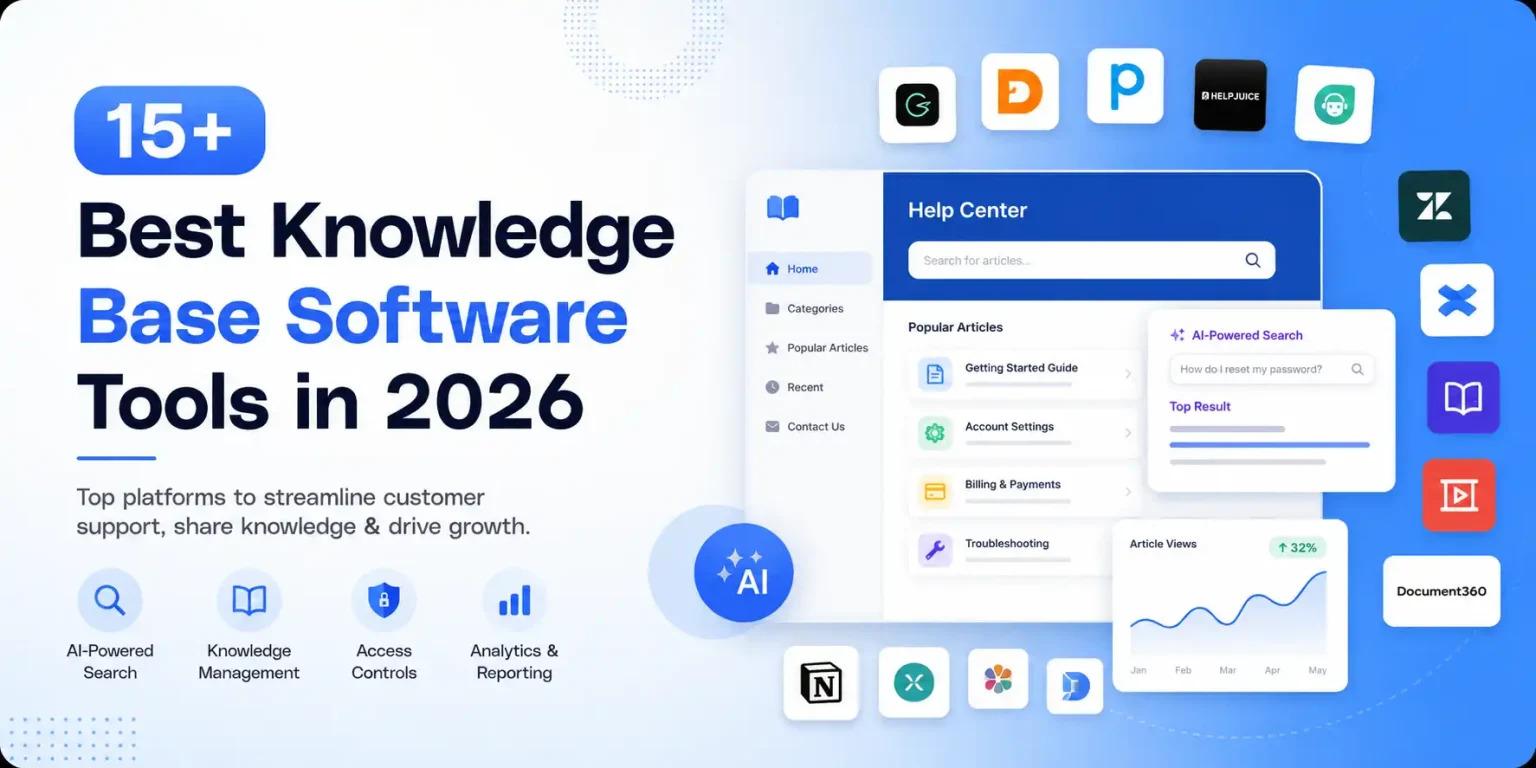
The modern workplace has undergone a fundamental shift. Physical office buildings are no longer the single center of business operations; instead, organizations rely on digital infrastructure to keep employees connected, aligned, and productive. Navigating the sheer volume of software options can be overwhelming for operations managers, IT leads, and business owners. Building an efficient tech stack requires finding software that bridges geographical gaps without creating app fatigue or workflow friction.
This comprehensive guide breaks down the essential categories of software every distributed organization needs, providing a clear roadmap to selecting the best solutions for your organization.
1. The Shift to Distributed Operations and Digital Infrastructure
Transitioning to remote and hybrid models requires more than simply moving files to the cloud. It demands a intentional approach to software adoption. When teams operate across different locations and time zones, digital tools become the virtual office floor where company culture, communication, and project execution take place.
To build a resilient remote setup, organizations must focus on platform interoperability, intuitive user interfaces, and robust security controls. Selecting the right combination of tools ensures that information remains accessible, operational silos are dismantled, and remote employees feel as connected as their on-site peers.
2. Streamlining Asynchronous and Real-Time Team Communication
Effective communication is the cornerstone of any successful distributed team. Modern organizations must balance real-time, synchronous interactions (like instant messaging and video meetings) with asynchronous communication methods that allow team members to digest information and respond on their own schedules.
Core platforms in this category include:
-
Instant Messaging & Channels: Centralizing day-to-day text messaging into dedicated channels based on projects or departments keeps daily updates organized and searchable.
-
Video Conferencing: Hosting virtual team meetings, webinars, and one-on-one check-ins helps maintain human connection across global teams.
-
Asynchronous Video Sharing: Tools that allow users to record screen walkthroughs and quick video updates drastically cut down on unnecessary live meetings, freeing up valuable focus time.
Integrating these communication formats creates a balanced digital ecosystem where quick questions get answered fast without disrupting deep work.
3. Elevating Execution with Visual Project and Task Management
Without a shared physical workspace, tracking who is doing what—and when it is due—requires high visibility. Modern project and task management software provides centralized dashboards where task assignments, milestone deadlines, and progress updates live permanently.
To support diverse team preferences, top-tier project management systems offer multiple views:
-
Kanban Boards: Ideal for visual workflows, allowing users to drag tasks across stages (e.g., To Do, In Progress, Completed).
-
Gantt Charts & Timelines: Critical for complex, multi-phase projects that depend on strict task sequencing.
-
Task Lists & Databases: Great for detailed tracking, subtask creation, and custom field tracking.
By adopting standardized project boards, cross-functional teams can monitor deliverables in real time, reducing the need for constant status check-in meetings.
4. Knowledge Management and Centralized Asset Sharing
One of the biggest hurdles facing distributed teams is context switching—wasting time searching through email threads, chat logs, and local folders to find necessary documents. Establishing a single source of truth for company policies, project specs, and design assets is critical for smooth operations.
Modern knowledge bases and asset-sharing platforms enable teams to build searchable repositories. Features to look for include:
-
Collaborative Document Editing: Real-time co-authoring tools that allow multiple team members to draft, comment, and revise docs simultaneously.
-
Tag-Based Link Curation & Annotation: Browser extensions and bookmarking tools that make saving and indexing external web research easy.
-
Centralized Asset Management: Cloud storage platforms with granular, role-based access permissioning to keep sensitive company files secure.
When team knowledge is organized and accessible, onboarding new employees becomes faster and daily workflows run with far less friction.
5. Bridging the Gap with Integrated Cross-Functional Platforms
As companies grow, different departments often adopt specialized applications tailored to their niche needs—developers use bug trackers, sales teams use CRMs, and designers use visual whiteboards. While specialized tools boost individual productivity, they can lead to operational isolation if they do not communicate with one another.
To solve software fragmentation, organizations should prioritize tools that feature native integrations and automation capabilities. Connecting your chat channels, project management boards, and cloud storage systems ensures that a trigger in one app automatically updates the rest. This interconnected approach minimizes manual data entry and keeps all departments aligned on shared organizational goals.
6. Evaluating Security, Access Controls, and Scalability
Deploying cloud-based platforms across distributed devices introduces unique security considerations. Protecting company data while maintaining a smooth user experience requires choosing tools that adhere to modern enterprise compliance standards.
Key security and administrative features to evaluate include:
-
Single Sign-On (SSO) & Multi-Factor Authentication (MFA): Simplifying user access while adding vital layers of security against unauthorized logins.
-
Role-Based Permissioning: Ensuring employees only have access to the specific data, folders, and administrative controls relevant to their roles.
-
Audit Logs & Compliance Standards: Verifying that platforms comply with regulatory frameworks (such as SOC 2 or GDPR) to protect user and client privacy.
Investing in secure, scalable platforms protects your business intelligence as your hybrid workforce expands.
7. Overcoming App Sprawl: Strategies for Stack Optimization
While having access to powerful software is an advantage, adopting too many overlapping platforms causes "app fatigue" and decreases overall productivity. Employees spend valuable hours switching context between chat apps, email inboxes, task boards, and document archives.
To optimize your software ecosystem:
-
Conduct a Tech Stack Audit: Identify duplicate tools across departments and consolidate where possible.
-
Define Tool Ownership: Establish clear guidelines for what each platform is used for (e.g., Slack for quick chats, Jira for technical bugs, Notion for documentation).
-
Prioritize User Experience: Choose platforms with low learning curves so employees can adopt them easily without extensive training sessions.
By curating a clean, lean suite of applications, you create a cohesive digital workspace that enhances focus and operational speed.
Conclusion
Building a high-performing distributed organization relies heavily on the quality and structure of your digital ecosystem. By carefully selecting and integrating software across communication, task tracking, knowledge management, and workflow automation, companies can eliminate geographic barriers and drive consistent operational efficiency.
Evaluating your software choices based on ease of use, security, and integration capabilities allows you to build a frictionless environment where teams can collaborate seamlessly. Choosing the right team collaboration tools empowers your workforce to communicate clearly, execute faster, and thrive in the modern landscape of remote and hybrid work.

 English
 Arabic
 French
 Spanish
 Portuguese
 Deutsch
 Dutch
Dutch
 Italiano
 Russian
 Romaian
 Portuguese (Brazil)
 Greek
Greek
