
How to Find a High-Quality Refurbished Laptop
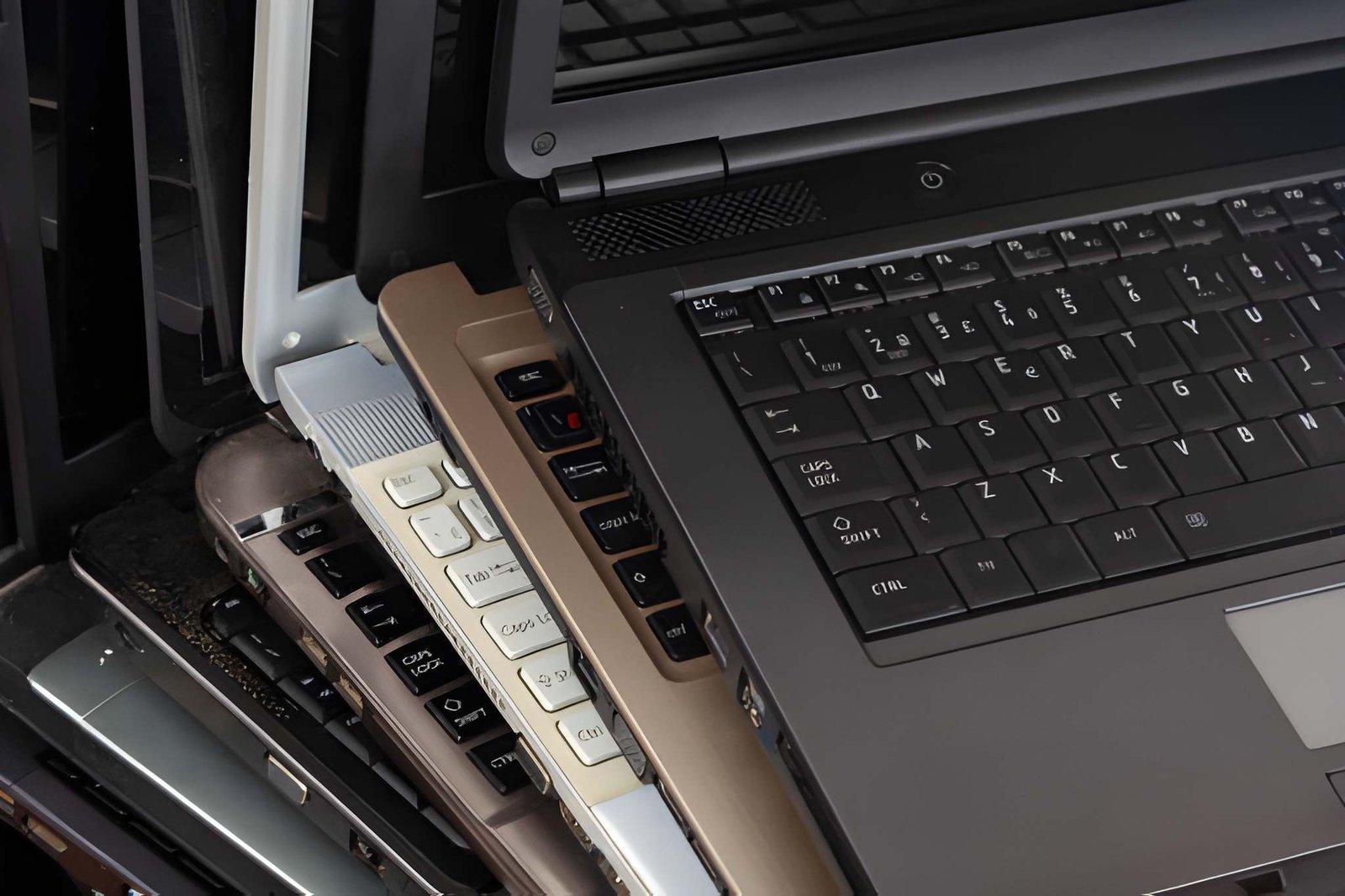
Buying a refurbished laptop can be a smart way to get reliable technology without paying the full price of a new device. However, not every refurbished laptop offers the same quality. Some devices have been carefully inspected, tested and repaired, while others may have cosmetic improvements without proper hardware checks.
Finding a high-quality refurbished laptop requires more than comparing prices. You need to examine its specifications, physical condition, battery health and the seller's refurbishment process. This guide explains what to look for before making your purchase.
1. Buy From a Reliable Refurbished Laptop Seller
The first step is choosing a trustworthy seller. A reliable supplier should provide clear information about the laptop's condition, specifications and testing process.
Before purchasing, check whether the seller:
-
Provides accurate product descriptions.
-
Tests hardware components before resale.
-
Offers a written warranty.
-
Allows returns within a specified period.
-
Provides a genuine charger and necessary accessories.
-
Explains any repairs or replacement parts.
Avoid sellers who cannot answer basic questions about the laptop's condition or previous repairs.
2. Check the Processor and Generation
The processor plays an important role in determining a laptop's performance. When buying a refurbished device, check the complete processor model instead of focusing only on labels such as Core i5 or Core i7.
For everyday office work, browsing and studying, an Intel Core i5 8th generation or newer can be a reasonable starting point. Suitable AMD Ryzen models are also worth considering.
If you plan to use demanding applications, check the software's recommended specifications before choosing a laptop.
Also confirm official Windows 11 compatibility if you want to use Microsoft's currently supported operating system.
3. Choose Suitable RAM and SSD Storage
RAM and storage affect how smoothly a laptop performs during everyday tasks.
For most users in 2026, 16GB RAM is a good target. However, 8GB may still work for basic activities such as browsing, document editing and online classes.
An SSD is another important feature. It generally provides faster startup and application loading than a traditional hard drive.
Consider these configurations:
-
8GB RAM and 256GB SSD: Suitable for basic everyday use.
-
16GB RAM and 256GB SSD: A practical option for office work and multitasking.
-
16GB RAM and 512GB SSD: Suitable for users who need more storage.
-
32GB RAM and 512GB SSD or larger: Useful for demanding professional workloads.
Check whether the laptop allows RAM and SSD upgrades before purchasing.
4. Inspect the Physical Condition
A refurbished laptop should be carefully inspected before you pay for it. Even if the seller describes it as being in excellent condition, check the device yourself whenever possible.
Pay attention to:
-
Screen scratches, dead pixels and display lines.
-
Loose or damaged hinges.
-
Keyboard and touchpad functionality.
-
Cracks or dents on the body.
-
USB, HDMI and charging ports.
-
Webcam, microphone and speakers.
-
Wi-Fi and Bluetooth connectivity.
Minor cosmetic marks may not affect performance, but damaged hinges, faulty ports and display problems can lead to additional expenses.
5. Test the Battery Health
Battery condition is particularly important when purchasing a refurbished laptop. Batteries naturally lose capacity with age and repeated charging.
Ask the seller about battery health and expected backup time. You can also generate a Windows battery report by opening Command Prompt and entering:
powercfg /batteryreport
The report displays the original design capacity and current full charge capacity. Comparing these figures helps you understand how much battery capacity has been lost.
If the battery needs replacement, include that cost when evaluating the laptop's price.
6. Understand the Refurbishment Process
Not all refurbished laptops go through the same process. Some suppliers perform detailed hardware testing and replace faulty components, while others mainly clean the device and improve its appearance.
Ask the seller what refurbishment actually includes.
A proper process should ideally cover:
-
Hardware inspection and testing.
-
SSD and RAM checks.
-
Battery condition assessment.
-
Screen and keyboard testing.
-
Cleaning of the laptop.
-
Operating system installation and activation.
-
Repair or replacement of faulty components.
You should also ask whether any important components have been replaced and whether those parts come with a warranty.
7. Consider Business-Class Laptop Models
Business-class laptops are often worth considering because they are designed for professional use.
Popular ranges include:
-
Lenovo ThinkPad
-
HP EliteBook
-
Dell Latitude
These product ranges include different generations and configurations. Some models offer durable construction, comfortable keyboards and useful connectivity options.
Choose a specific model based on its specifications, condition and price rather than assuming every laptop in these ranges has the same quality.
8. Compare Prices and Warranty Coverage
A refurbished laptop should offer good value compared with similar devices available in the market.
Compare the same model with matching processor, RAM, storage and physical condition. A slightly more expensive laptop may be a better purchase if it includes a healthier battery, better testing and a longer warranty.
Always read the warranty conditions carefully. Check which components are covered, how long the coverage lasts and what happens if the laptop develops a fault.
9. Check Security and Software Support
A refurbished laptop should be ready for secure everyday use. Make sure Windows is properly activated and that the device does not have a previous owner's account lock, BIOS password or company management restrictions.
Also check that the hardware supports the software and security updates you need.
Avoid devices that require unsupported operating systems or unofficial workarounds to run essential software.
Final Thoughts
Finding a high-quality refurbished laptop requires careful research and proper inspection. Focus on the processor generation, RAM, SSD storage, battery health, physical condition and seller reputation.
Do not choose a laptop simply because it has an attractive price or impressive-looking specifications. A properly tested device with a clear warranty and suitable performance can offer much better long-term value.
By following these checks, you can make a more confident purchase and find a refurbished laptop that meets your everyday requirements.

 Arabic
 French
 Spanish
 Portuguese
 Deutsch
 Turkish
 Dutch
 Italiano
 Russian
 Romaian
 Portuguese (Brazil)
 Greek